
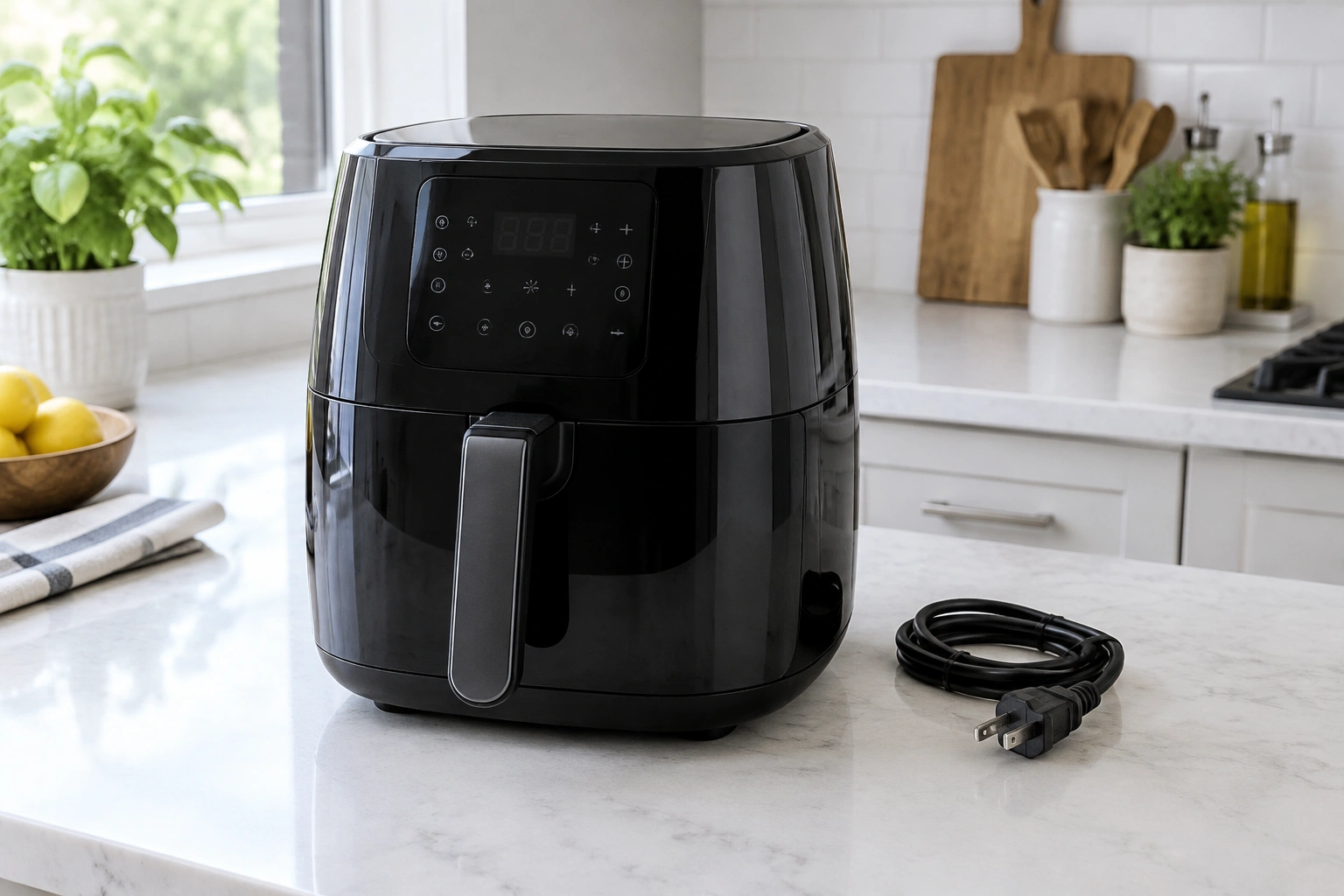
How to Reset a Gourmia Air Fryer (No Reset Button Needed)
To reset a Gourmia air fryer, unplug it, wait 10–15 minutes (30 if it shut off while cooking), then plug it straight into a wall outlet and start a short test. Gourmia air fryers don’t have a reset button; unplugging clears frozen controls and lets the overheat protection reset. If the display was frozen or showed an error and comes back normal, you’re done. If the problem returns, it’s a fault, not a glitch.
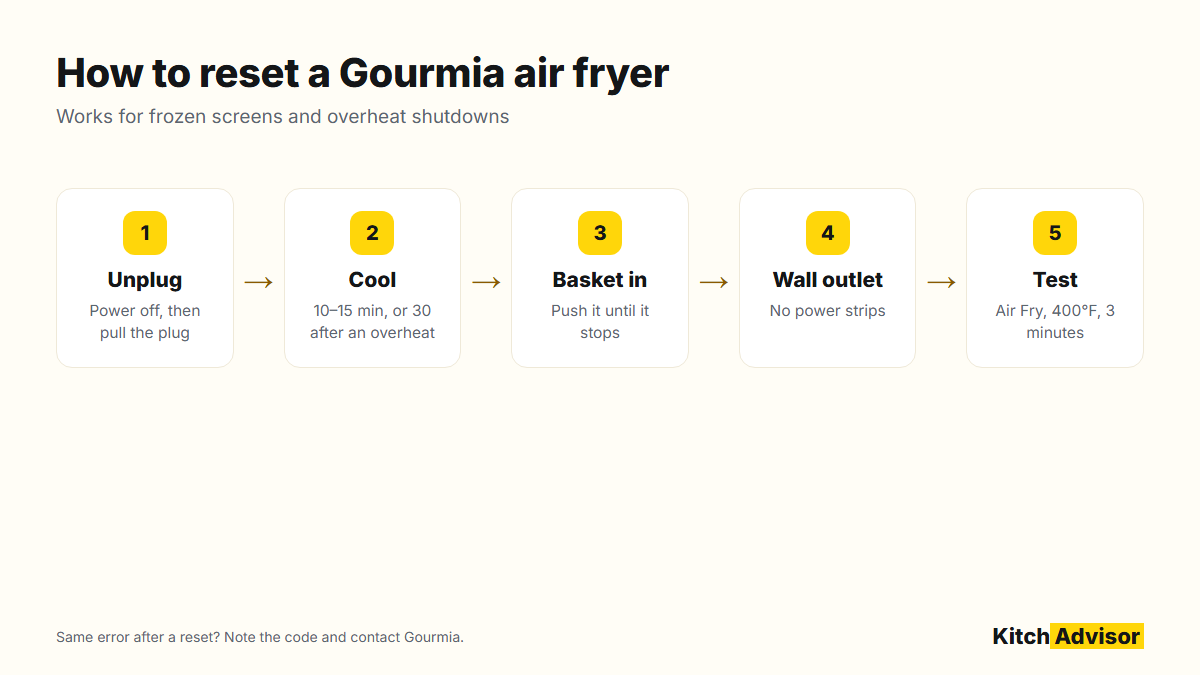
How to reset a Gourmia air fryer
- Press the power button to turn it off, then unplug it.
- Pull out the basket so the unit cools faster.
- Wait 10–15 minutes, or 30 minutes after an overheat shutdown.
- Push the basket back in until it stops (it won’t run otherwise).
- Plug it directly into a wall outlet, not a power strip.
- Press power, pick Air Fry, set 400°F for 3 minutes and press Start to test.
When to reset, and when it won’t help
| Problem | Reset helps? | If not |
|---|---|---|
| Frozen display or unresponsive buttons | Usually | Dry the touch panel; try another outlet |
| Shut off mid-cook | Yes, after cooling | Leave space around the vents; don’t overfill |
| Error code on the screen | Sometimes | Note the code; check the manual or contact Gourmia |
| Runs but doesn’t heat | Rarely | Not-heating fixes |
| Completely dead | No | Not-turning-on fixes |
Model-specific manuals and warranty contacts are on Gourmia’s support page.
Quick Troubleshooting Table
Use this table to match what you see with the most likely fix before you try anything else.
| What you see | Likely cause | What to try |
| Screen is frozen or buttons do nothing | Control board glitch | Unplug for 10 to 15 minutes, then plug back in |
| Fryer stops in the middle of cooking | Basket not fully closed or overheat cut-off | Push the basket in until it clicks and let the unit cool |
| Display shows an error code | Sensor or overheating warning | Unplug, cool down, check the manual for that code |
| No power at all | Outlet, plug or tripped breaker | Test another outlet and check the breaker |
| Fan runs but no heat | Heating element or sensor fault | Stop using it and contact Gourmia support |
How to Do a Safe Power Reset
- Turn the air fryer off and unplug it from the wall.
- Pull out the basket and let the unit cool fully, about 20 to 30 minutes if it was in use.
- Wipe away crumbs and grease around the basket rails and heating area once it is cool.
- Plug it straight into a wall outlet, not an extension cord or power strip.
- Slide the basket in firmly, then start a short test cycle at a medium temperature.
How to Prevent Future Glitches
- Do not block the air vents on the back or sides of the fryer.
- Clean the basket and the area under the heating coil every few uses so grease does not build up.
- Avoid running back-to-back long cooks without a short cool-down.
- Keep the control panel dry and wipe it with a barely damp cloth only.
- Use a dedicated outlet, because sharing with a kettle or microwave can cause power drops.
If the fryer still will not work after a full reset, the problem is likely a part inside, not a glitch. At that point, contact Gourmia support, especially if it is still under warranty.
Related Gourmia guides
- Gourmia air fryer door not closing
- How to preheat a Gourmia air fryer
- How to turn off a Gourmia air fryer oven
FAQ
Does a Gourmia air fryer have a reset button?
No. Unplugging it for 10–15 minutes resets the controls.
Why did my Gourmia air fryer stop mid-cook?
The overheat protection may have tripped, the basket may have been pulled out, or the timer ended. Let it cool and leave space around the vents.
Will a reset fix an error code?
Sometimes, if the error came from a temporary glitch or overheating. If the same code returns, note it and contact Gourmia.
My Gourmia touch buttons don’t respond. What should I do?
Make sure the panel is clean and dry, check that the control lock (if your model has one) isn’t on, then unplug it for 10–15 minutes.