
How to Turn Off a Gourmia Air Fryer Oven (and Why the Fan Keeps Running)
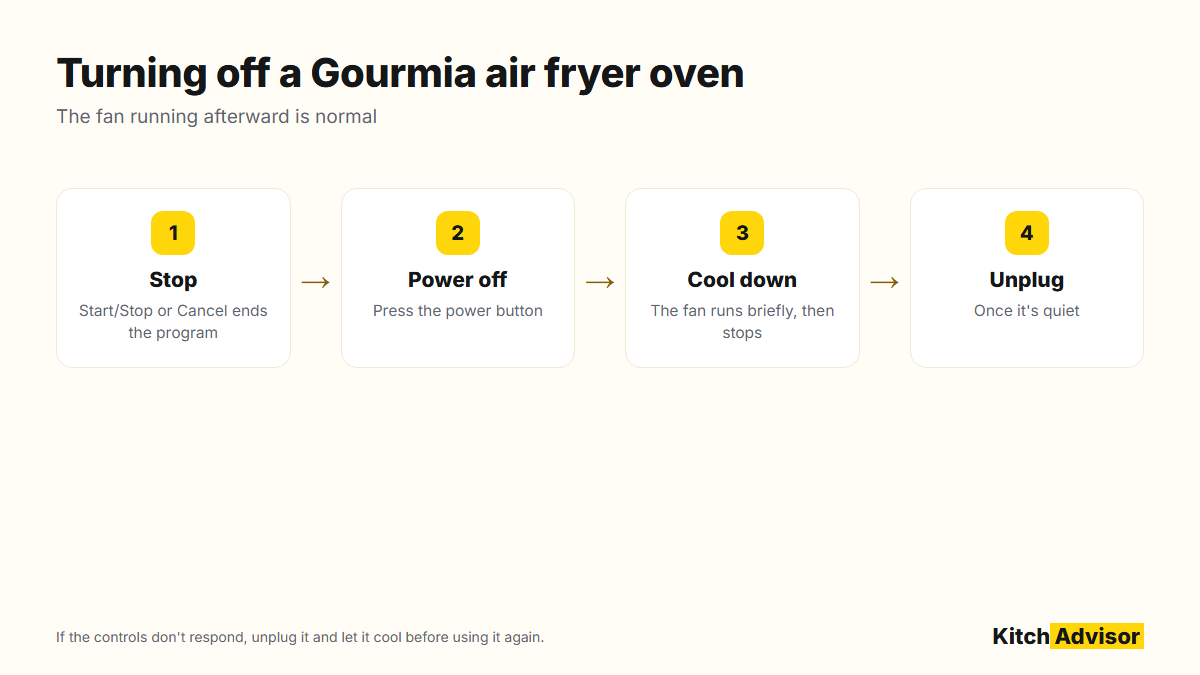
To turn off a Gourmia air fryer oven, press the Start/Stop (or Cancel) button to end the cooking program, then press the power button. If the fan keeps running for a minute or two afterward, that’s normal: it’s cooling the unit down. To shut it off completely, wait for the fan to stop, then unplug it. If the buttons don’t respond at all, unplug it to stop it and let it cool before plugging it back in.
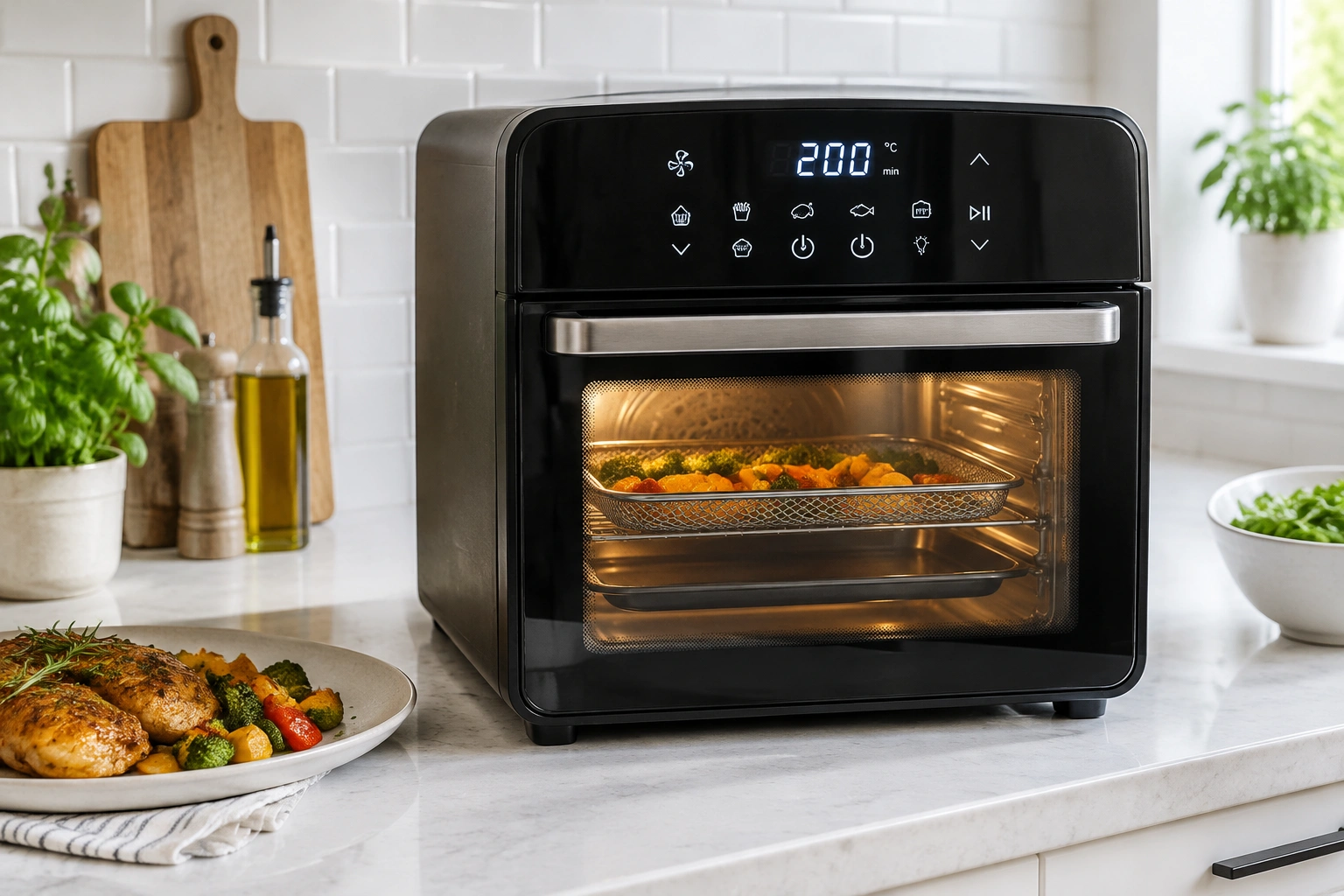
How to turn it off, step by step
- Stop the program. Press Start/Stop or Cancel. The heating stops and the display shows the program has ended.
- Press the power button to switch the display off.
- Let the fan finish. Many Gourmia models run the fan briefly after cooking to cool down. Leave it to stop on its own.
- Unplug it once it’s quiet, especially if you won’t use it for a while.
When the timer runs out, the oven also stops heating by itself and beeps. You can open the door and take your food out straight away.
If it won’t turn off
| What happens | Why | What to do |
|---|---|---|
| Fan keeps running after Stop | Normal cool-down | Wait a few minutes; it stops on its own |
| Buttons don’t respond | Frozen controls or a wet, greasy panel | Unplug, clean and dry the panel, plug back in later |
| Keeps beeping | Program finished, door still closed | Open the door or press Stop |
| Fan runs nonstop for a long time | Possible sensor or control fault | Unplug and contact Gourmia |
Manuals for each model are on Gourmia’s support page.
Quick Fix Table
| What you see | Likely cause | What to try |
| Fan keeps running after off | Normal cool-down fan | Wait a few minutes for it to stop |
| Will not turn off | Control glitch | Unplug it, wait 10 minutes, plug back in |
| Display stays lit | Standby mode | Unplug if you want it fully off |
| Beeps when turning off | Cycle ended or door opened | Check the manual for the alert meaning |
| Turns off by itself | Overheat protection | Let it cool and clear the vents |
Safe Shut-Down Habits
- Let the cooling fan finish before unplugging when possible.
- Never cover the oven while it is hot.
- Unplug it when you go away for a long time.
- Clean the crumb tray once it is cool.
Related Gourmia guides
- How to reset a Gourmia air fryer
- Gourmia air fryer door not closing
- How to turn off a Cuisinart air fryer
FAQ
Why does my Gourmia air fryer keep running after I turn it off?
The fan keeps going for a short time to cool the oven. That’s normal and it stops by itself.
Is it OK to just unplug a Gourmia air fryer?
It’s better to stop the program and let the cooling fan finish first. Unplug it straight away only if the controls won’t respond.
How do I stop my Gourmia air fryer from beeping?
The beeps usually mean the program finished or it’s reminding you to turn the food. Open the door or press Start/Stop to clear them.
Does a Gourmia air fryer turn off automatically?
Yes. When the timer reaches zero, it stops heating and beeps. The fan may run briefly afterward to cool down.