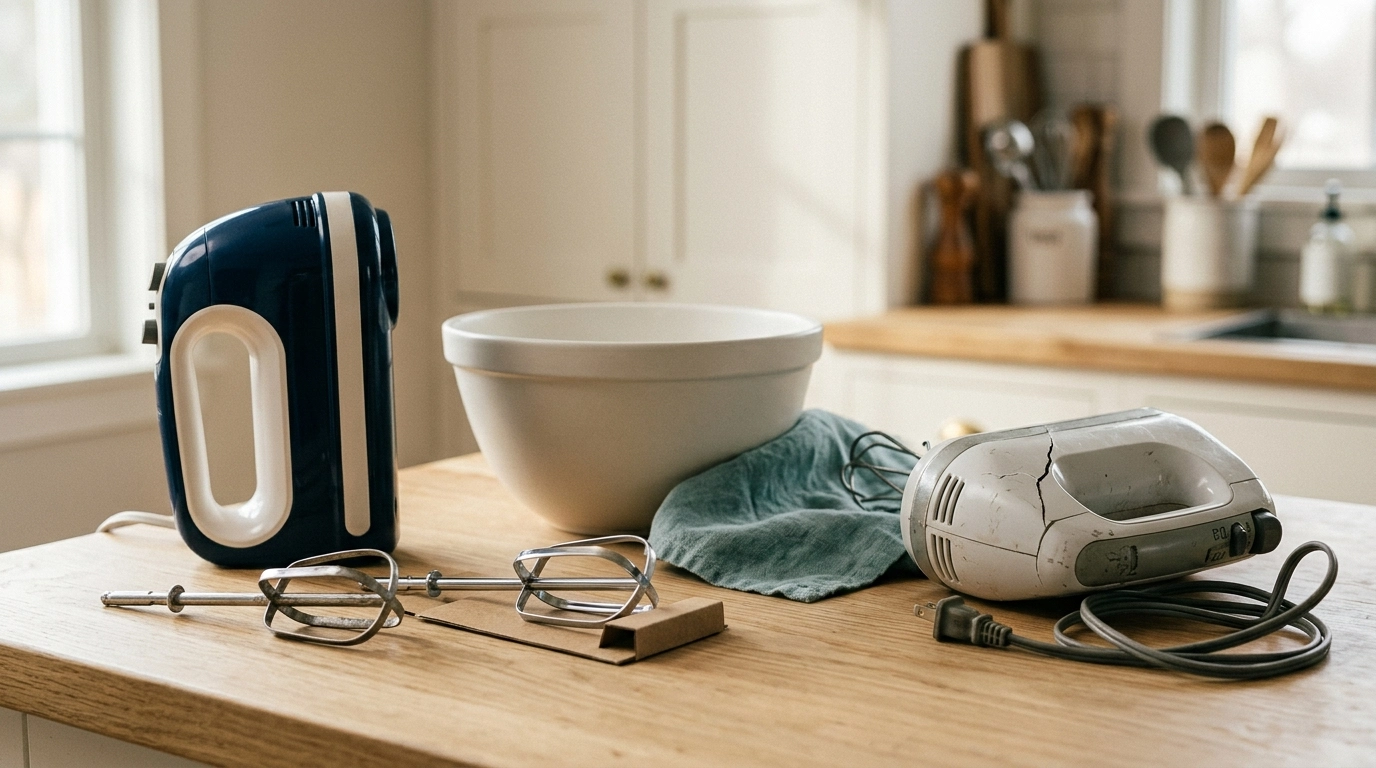
What is a digital hand mixer, and how is it different from a basic one? A digital hand mixer is a small kitchen tool that uses an electric motor, beaters, and electronic controls to mix food. Many models have a digital speed display, buttons, or a timer.
A digital hand mixer can help you beat eggs, whip cream, and mix cake batter. It gives you more control over the speed, which can make mixing easier.
One thing I would check first is how well the mixer starts at a low speed. A good slow start helps keep flour and other dry food from flying out of the bowl.
In this guide, I’ll explain how these mixers work, what makes them useful, and how to fix common issues. I’ll also cover safe use, care, and signs that it may be time for a new mixer.
What Is a Digital Hand Mixer and How Does It Work?
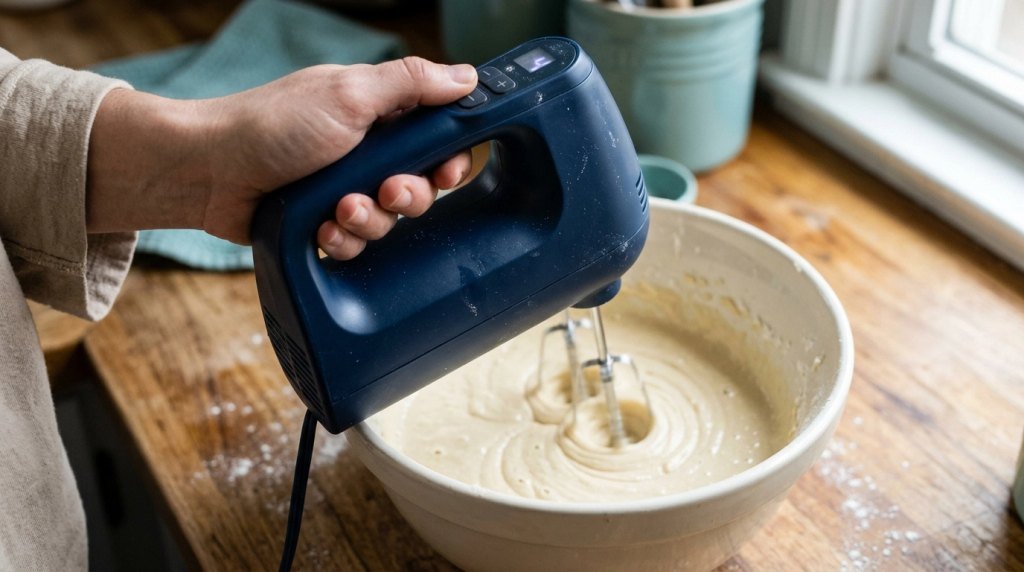
A digital hand mixer is a handheld electric mixer with electronic speed controls. It has a motor inside the body and two beaters that spin to mix food.
You hold the mixer over a bowl and pick the speed you need. The motor then turns the beaters to blend the food.
Most digital models have buttons or a control panel. Some also have a small screen that shows the current speed or mixing time.
Unlike a basic hand mixer, a digital model may offer more precise speed settings. Still, the exact features depend on the model.
Main Parts of a Digital Hand Mixer
Here are the parts you will find on many models:
- Motor: Spins the beaters to mix food.
- Digital controls: Let you set or change the speed.
- Display: Shows speed or time on some models.
- Beaters: Mix eggs, cream, and cake batter.
- Dough hooks: Help mix some types of soft dough.
- Eject button: Releases the tools when the mixer is off.
- Power cord or battery: Supplies power to the motor.
Not all digital hand mixers come with dough hooks or a display. Check the manual to see which parts and features your model has.
A soft cloth and a non-abrasive sponge are useful for routine care. You can use them to wipe the mixer body and remove food from washable parts.
Common Signs of Digital Hand Mixer Problems
A digital hand mixer should run smoothly when you use it as directed. If it starts to act differently, there may be a problem with the power, controls, beaters, or motor.
Some issues are easy to fix. Others may mean the mixer needs service or a new unit.
| Common Sign | Likely Cause | Quick Fix |
|---|---|---|
| Mixer won’t start | Loose plug or power issue | Check the outlet |
| Beaters won’t spin | Tools not locked in place | Refit the beaters |
| Speed won’t change | Control fault or locked setting | Check controls and manual |
| Mixer shakes | Loose or bent beaters | Stop and inspect |
| Motor gets too hot | Heavy load or long use | Turn off and let it cool |
| Strange noise | Worn or damaged part | Stop using and seek service |
| Display won’t light | Power or control issue | Check the power supply |
These signs do not always mean the mixer is broken. Start with the easy checks before you think about replacing it.
Possible Causes of Digital Hand Mixer Issues
A few common things can cause a digital mixer to stop working well. Some come from the way it is used, while others come from wear.
Using the Wrong Speed
A high speed is not always the best choice. If you start too fast, dry food may fly out of the bowl.
Thick batter can also put too much strain on the motor. Start slow and raise the speed as needed.
Mixing Too Much Food
A small hand mixer has limits. A large bowl of thick dough may be too much for it.
If the beaters slow down or the motor strains, stop mixing. Check the manual for the types and amounts of food it can handle.
Beaters Not Fitted Correctly
Beaters must fit into the right slots. If they are loose, they may not spin as they should.
Some models have two different tool shafts. Check the marks before you insert them.
Power or Control Problems
A loose plug or faulty outlet can stop the mixer from working. A damaged cord can also cause a power fault.
Digital buttons may fail to respond if the mixer has a control issue. Do not open the housing to inspect the wiring.
How to Fix Digital Hand Mixer Problems
If your mixer stops working, you can try a few safe checks. The right fix depends on the issue you see.
Always turn the mixer off and unplug it before touching the beaters or checking the parts.
1. Check the Power Source
Start with the wall outlet. Make sure the plug fits well and the outlet has power.
You can test the outlet with another safe, working device. If that device works, the issue may be with the mixer.
Look for cuts, burns, or frayed spots on the cord. If you see damage, stop using the mixer.
Do not try to patch a broken cord with tape. A damaged cord needs proper service or replacement.
2. Check the Beaters
Turn the mixer off and unplug it. Press the eject button if needed, then take out the beaters.
Look for bends, cracks, or stuck food. Wash and dry the beaters as the manual directs.
Fit them back into the correct slots. Make sure each one locks in place before you start mixing again.
Never push a tool into the slot while the mixer is running.
3. Test the Speed Buttons
Some digital mixers use plus and minus buttons to change the speed. Others use a touch panel or a single control.
Check that the mixer is powered on and set to the right mode. A few models may have a start button or safety lock.
Try a low speed with properly fitted beaters in an appropriate bowl. If the controls still fail, check the manual for a reset option.
Do not force buttons or open the control panel.
4. Let an Overheated Mixer Cool
A hand mixer may get warm during use. But too much heat can be a warning sign.
If the motor slows, stops, or feels very hot, turn it off and unplug it. Let it cool as the maker directs.
Some mixers have built-in heat protection. They may stop on their own when the motor gets too hot.
Once cool, use a smaller batch if the manual allows. If overheating keeps happening, stop using the mixer.
5. Clean the Mixer After Use
Good cleaning can help keep your mixer in good shape. Food left on the beaters can dry and become hard to remove.
Unplug the mixer first. Remove the tools and wash them as the manual says. Some beaters are dishwasher-safe, but others are not.
Use a soft, damp cloth on the mixer body. Keep water away from the motor housing, vents, and control panel.
Never put the mixer body in water. Let all washed parts dry before you store them.
6. Check for Odd Sounds or Shaking
A hand mixer makes noise when it runs. But loud grinding, rattling, or harsh sounds are not normal.
Stop the mixer and unplug it. Check for loose or bent beaters, then look for food stuck around the tool shafts.
If the sound remains after the tools are checked, do not keep running it. The cause may be inside the motor or drive system.
A qualified repair service can help you decide what to do next.
Digital Hand Mixer vs Regular Hand Mixer
Both types can mix eggs, cream, and batter. The main difference is how you set and view the speed.
A digital mixer uses electronic controls. A basic model often uses a manual switch or dial.
| Feature | Digital Hand Mixer | Regular Hand Mixer |
|---|---|---|
| Speed control | Electronic buttons or controls | Switch or dial |
| Display | Often included | Usually absent |
| Timer | Available on some models | Less common |
| Mixing power | Depends on the motor | Depends on the motor |
| Ease of use | More settings on some models | Often simpler |
| Price | May cost more | Often more affordable |
A digital model is not always more powerful. Motor design, attachments, and build quality matter more than the display alone.
For simple home baking, either type may work well.
Mistakes to Avoid When Using a Digital Hand Mixer
A few small mistakes can affect how well your mixer works.
- Starting at full speed with dry flour in the bowl.
- Mixing stiff dough with tools not made for it.
- Using the mixer longer than the manual allows.
- Pulling out the beaters while they are spinning.
- Washing the motor housing under running water.
- Using damaged cords or bent beaters.
- Touching moving beaters with a spoon or spatula.
Keep long hair, loose sleeves, and fingers away from the moving tools.
If you notice smoke, sparks, or a burning smell, stop at once. Unplug the mixer if it is safe to do so, and do not use it again until it has been assessed.
When to Replace the Digital Hand Mixer
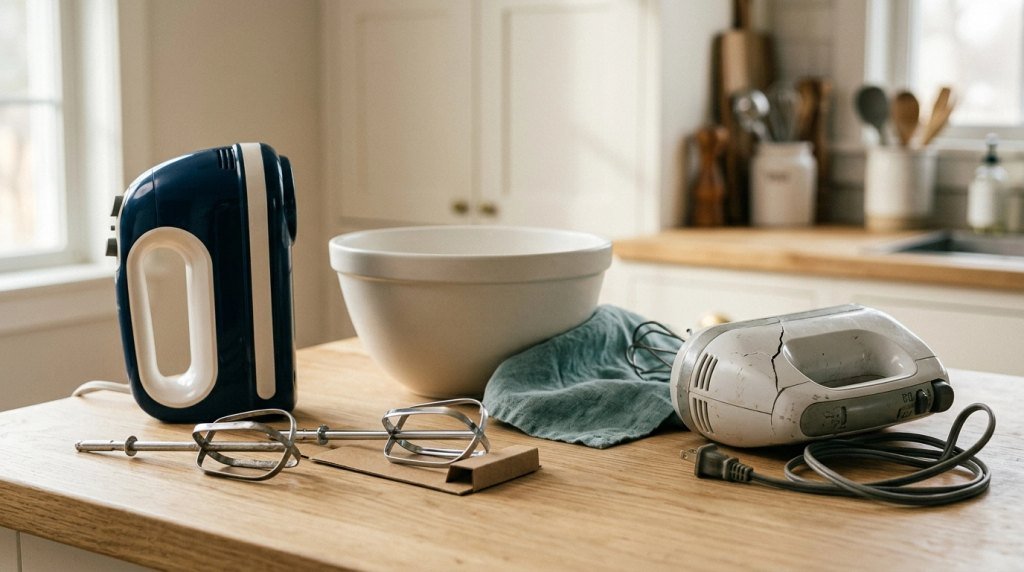
Not every mixer issue needs a new appliance. A worn beater may be easy to replace if the maker sells a matching part.
A failed motor or control board can be harder to repair. The cost may be more than the mixer is worth.
| Repair Issue | Best Next Step | Replace Instead? |
|---|---|---|
| Bent beater | Find a matching replacement | Usually no |
| Worn dough hook | Replace with correct part | Usually no |
| Damaged cord | Seek qualified service | Often, if repair costs too much |
| Failed control panel | Get a repair quote | Possibly |
| Burned-out motor | Compare repair cost | Often yes |
| Cracked housing | Stop use and assess safety | Often yes |
Before buying parts, check the model number. Tools from one hand mixer may not fit another.
My Personal Experience: What I Would Check First
I haven’t personally tested a specific digital hand mixer for this guide, so I won’t claim a repair result I can’t verify. But I can share a simple test routine that helps narrow down common faults.
I would start with a clean, empty bowl and make sure the beaters are fitted as the manual directs. Then I would turn the mixer on at its lowest speed.
Next, I would move through the speed settings and watch for smooth changes. I would stop at once if the beaters shook, scraped, or made an odd sound.
For a food test, I would start with a small batch of cake batter rather than thick bread dough. This puts less strain on the motor.
The key lesson is to check the simple things first. Correct tool fit, the right speed, and proper care can prevent many common issues.
Final Thoughts
So, what is a digital hand mixer? It is an electric handheld mixer with electronic speed controls. Some models also have a display, timer, or soft-start feature.
It can make daily baking tasks easier, from beating eggs to mixing cake batter. The best model for you depends on comfort, speed range, power, and the food you plan to mix.
If your mixer has a problem, start with the outlet, beaters, controls, and basic care. Never ignore heat, sparks, or a burning smell.
A well-used and well-kept digital hand mixer can be a handy tool for years.