Philips Air Fryer Not Starting? 6 Checks to Try
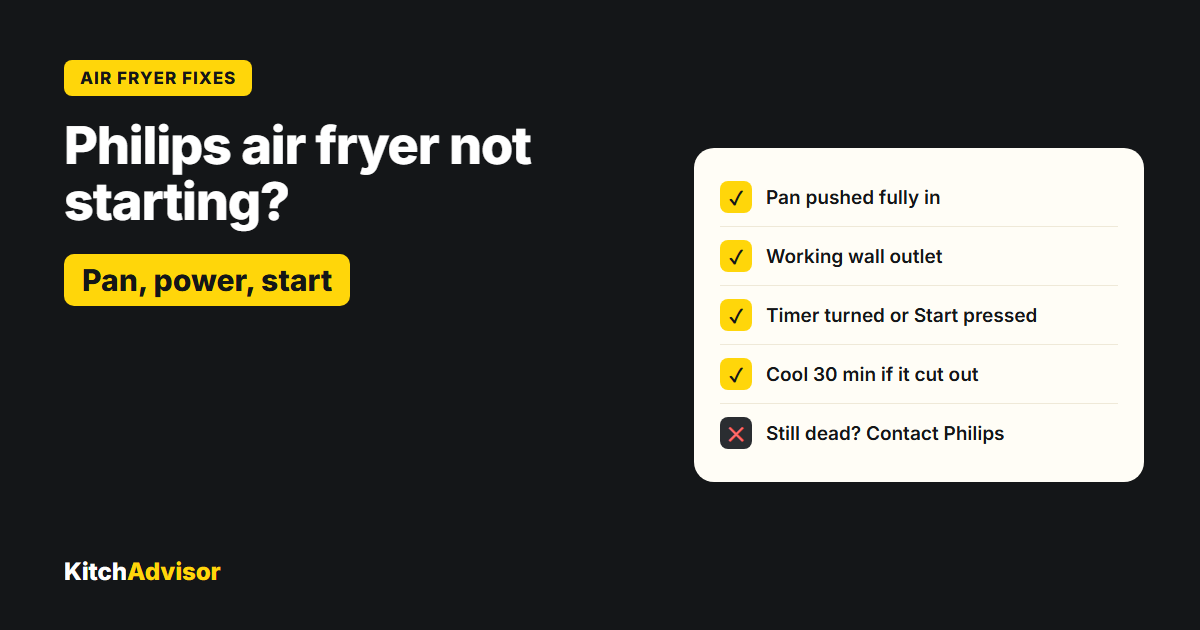
If your Philips air fryer won’t start, check that the pan is pushed fully in, that the plug is in a working wall outlet, and that you’ve set a time (dial models) or pressed the power and start buttons (digital models). If it stopped partway through cooking, unplug it and let it cool for 30 minutes. A Philips air fryer that stays completely dead after these checks needs Philips support.
Step-by-step fixes
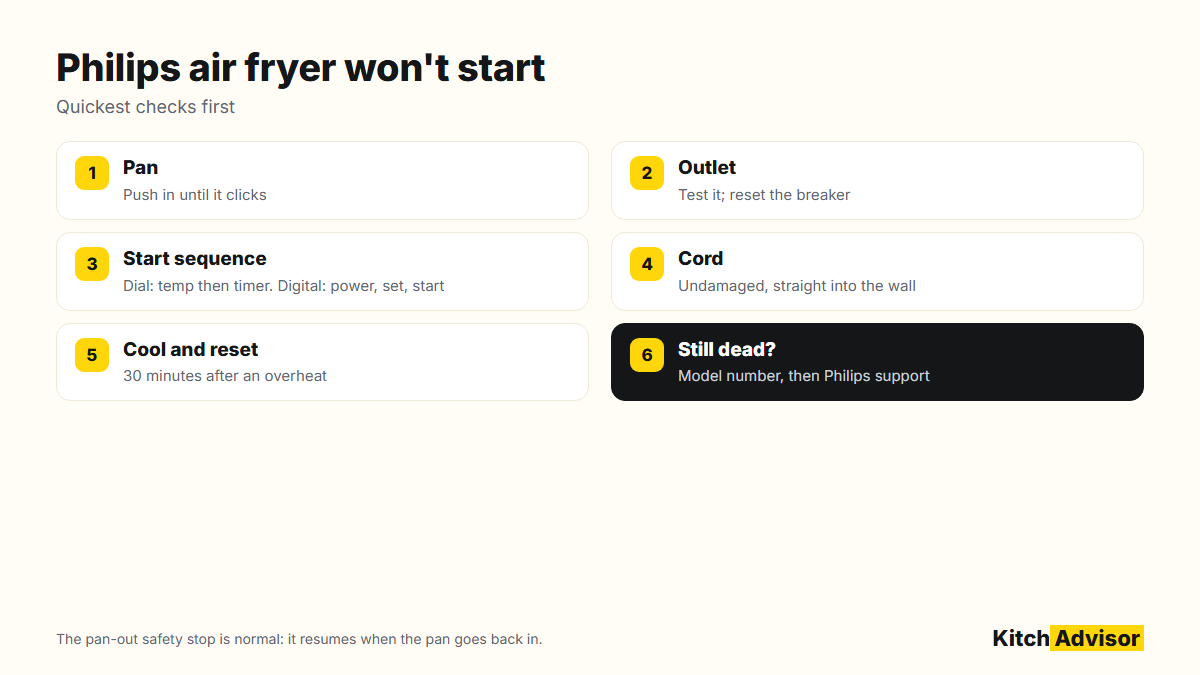
- Push the pan fully in until it clicks; clean the edges if it catches.
- Check the outlet with another appliance; reset the breaker if needed.
- Use the right start sequence. Dial models: set the temperature, then turn the timer. Digital models: press power, choose a preset or set time and temperature, then press start.
- Check the cord for damage and plug straight into the wall.
- Cool and reset. Unplug for 30 minutes if it shut off while cooking.
- Contact Philips with the model number from the label underneath.
What the symptoms mean
| Symptom | Likely cause | Fix |
|---|---|---|
| Totally dead | Outlet, cord or internal fault | Test the outlet, check the cord |
| Display on, won’t start | Pan not detected or start not pressed | Push the pan in, press start |
| Dial model silent | Timer not turned | Turn the timer past a few minutes |
| Starts, then stops | Overheat protection | Cool 30 minutes, clear vents |
| Starts but won’t heat | Element fault | See Philips not heating |
Related Philips guides
FAQ
Why won’t my Philips air fryer turn on?
Check the outlet and cord first. If the display lights but nothing happens, push the pan fully in and press start.
Does a Philips air fryer have a reset button?
No. Unplugging it for 10–15 minutes (30 after an overheat) resets it.
Why does my Philips air fryer stop when I pull out the pan?
That’s a safety feature. It resumes when you push the pan back in.
Can a power surge break a Philips air fryer?
It can damage the electronics. If it’s dead after an outage, test another outlet, then contact Philips.