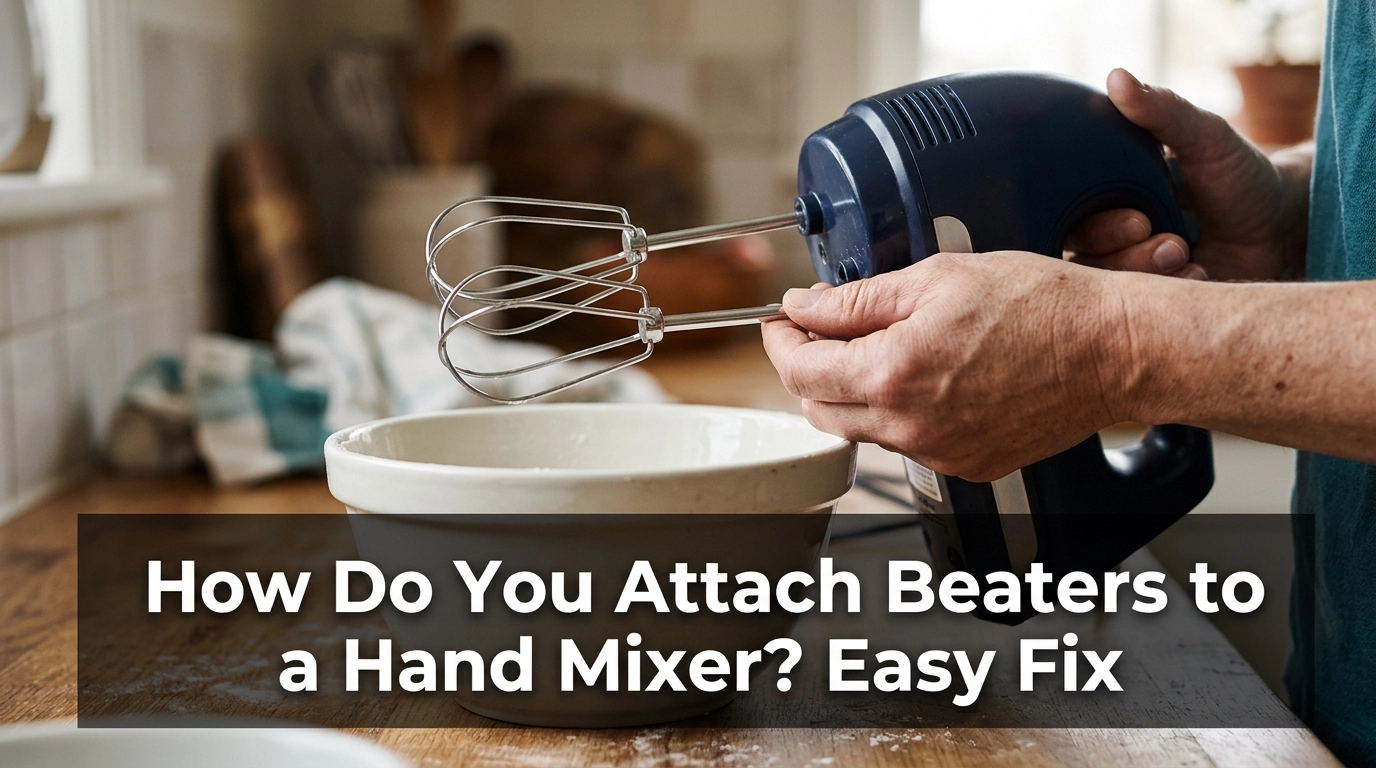
How do you attach beaters to a hand mixer? First, unplug the mixer, match each beater to the correct slot, and push it in until it locks in place. Check your manual if the beaters have different shapes or locking parts.
The main problem is often simple: a beater is in the wrong slot, turned the wrong way, or not pushed in far enough. A little care can help you fit the beaters without damaging the mixer.
In this guide, I will explain how the beaters fit, what to check when they will not lock, and how to remove them safely after use.
Common Signs of the Problem
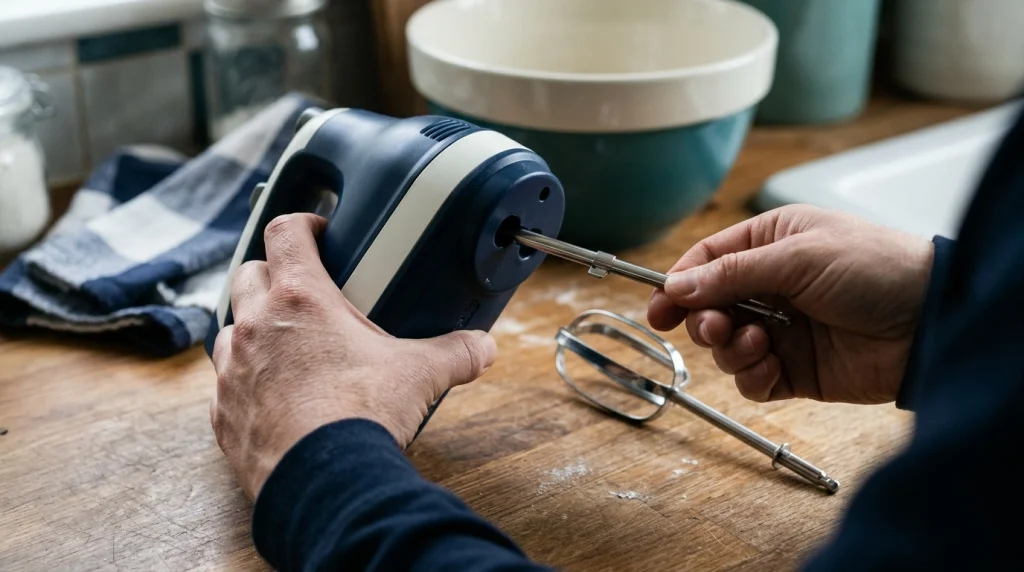
You may notice that one beater will not slide into its slot. It may stop halfway, feel loose, or fall out when you lift the mixer.
Some beaters look alike but have different shaft shapes. Other mixers use two matching slots, so the correct fitting method depends on the model.
Watch for these signs:
- One beater fits, but the other does not.
- A beater slides in but will not lock.
- One beater falls out when you move the mixer.
- The beaters wobble during mixing.
- The release button will not remove the beaters.
If a beater will not fit, do not force it. Check the shaft and slot before trying again.
Possible Causes
Most fitting problems come from a few common issues. Check the beaters and the mixer before using more force.
- Wrong slot: Some mixers need each beater in a specific opening.
- Poor alignment: The shaft may not line up with the slot.
- Incomplete insertion: The beater may not have reached the locking point.
- Wrong attachments: Beaters from another model may not fit.
- Dirt buildup: Dried batter may block the fitting area.
- Damaged parts: A bent shaft or worn locking part may stop the beater from staying in place.
Some mixers use grooves, collars, or special shaft shapes to guide each beater. Check the manual or any markings near the slots to find the correct position.
How to Attach Beaters to a Hand Mixer
Follow these steps before turning the mixer on. Keep it unplugged until both beaters are fitted and checked.
1. Unplug the Mixer
First, unplug the power cord from the wall outlet. This stops the motor from starting while your fingers are near the attachment slots.
Place the mixer on a dry, flat surface. Make sure the speed control is set to off before you handle the beaters.
2. Check the Beaters
Take both beaters out and look at their shafts. Check for grooves, flat edges, collars, or other shapes that may show which slot each one needs.
If the beaters are marked or look different, check the manual. Do not assume that both beaters fit either opening.
3. Line Up the First Beater
Hold the first beater by its shaft. Keep it straight and line it up with the correct slot under the mixer.
Push it in gently. If it stops, pull it out and check the angle instead of pressing harder.
4. Push Until It Locks
Push the beater into the slot until it sits securely. Some mixers make a click when the beater locks, while others use a different fitting design.
Repeat the process with the second beater. Never hammer, twist hard, or force an attachment into the mixer.
5. Check Both Beaters
Give each beater a gentle downward tug while the mixer is unplugged. Both should stay in place rather than slide out.
Look at the beaters from the side. If one looks loose or sits at an unusual angle, remove it and check the fit again.
6. Test the Mixer Safely
Place the beaters inside a suitable mixing bowl before switching the mixer on. Keep your hands, clothing, and utensils away from the moving parts.
Use the lowest speed for a brief test. Stop at once if the beaters wobble, make unusual noises, or come loose.
Do not use the mixer if either beater fails to stay secure.
Quick Troubleshooting Table
| Problem | Likely Cause | Quick Fix |
|---|---|---|
| Beater will not enter | Poor alignment | Line up the shaft again |
| Beater will not lock | Not fully inserted | Remove and refit it |
| Beater falls out | Wrong attachment or worn lock | Check the model and shaft |
| Beaters wobble | Poor fit or damaged part | Stop and inspect them |
| Slot is blocked | Dried food | Unplug and clean the accessible area |
7. Clean the Fitting Area
If dried batter blocks the opening, unplug the mixer and remove the beaters. Wipe the accessible area with a soft, slightly damp cloth, then dry it fully.
Keep water away from the motor housing and electrical parts. Good cleaning habits help stop old food from building up around the attachment slots.
Do not push sharp tools into the openings. If the blockage remains, check the manual before trying anything else.
8. Check for Damaged or Wrong Beaters
If the beaters still will not fit, compare them with the attachments listed for your exact mixer model. A similar-looking beater may have a different shaft or locking design.
If a shaft is bent or its locking part is damaged, stop using it. Replace it with a compatible beater rather than trying to bend it back by hand.
A replacement set may solve the problem, but check the model number first. Buying attachments based on appearance alone can lead to another poor fit.
Mistakes to Avoid
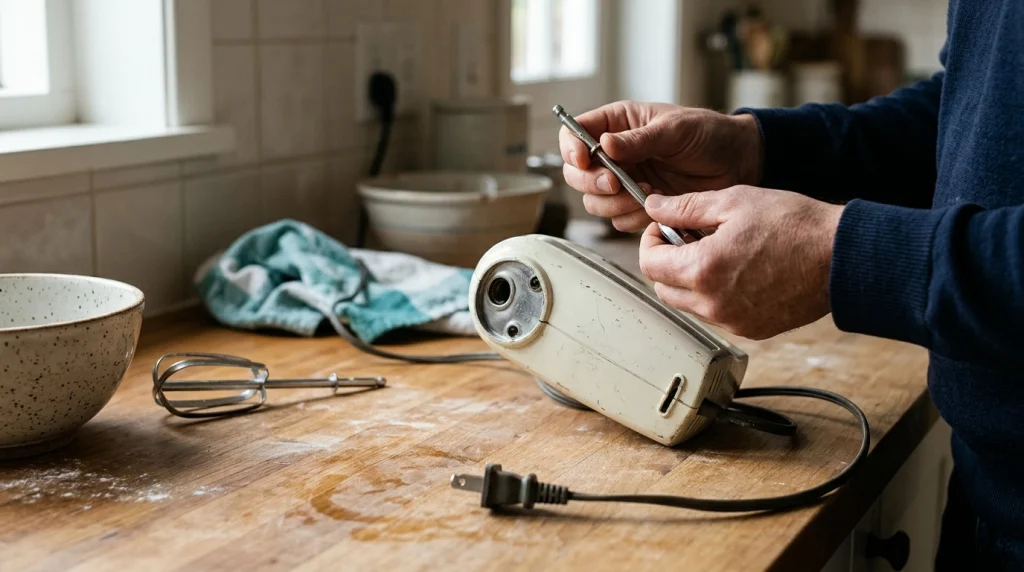
A common mistake is pushing too hard when a beater does not slide in. This may damage the shaft or the fitting inside the mixer.
Avoid these errors:
- Fitting or removing beaters while the mixer is plugged in.
- Forcing a beater into the wrong slot.
- Pulling a beater out while the motor is running.
- Using pliers or a hammer to force it into place.
- Running the mixer with a loose beater.
- Washing the motor housing under a tap.
- Opening the motor casing to fix a fitting problem.
Never bypass a locking feature or attempt electrical repairs unless you are qualified to do so. If the attachment socket is cracked or damaged, stop using the mixer and arrange a suitable repair.
When to Replace the Hand Mixer or Beaters
You usually do not need a new mixer just because a beater will not fit. First, check the slot, shaft, and model compatibility.
| Repair Issue | Recommended Action | Replace Instead? |
|---|---|---|
| Wrong beater position | Refit it correctly | No |
| Missing beater | Buy a compatible replacement | No |
| Bent beater shaft | Replace the beater | Usually no |
| Damaged attachment socket | Seek repair advice | Possibly |
| Damaged power cord | Stop using the mixer | Seek repair or replacement |
If the mixer body is damaged or the slots no longer hold the beaters, do not keep testing it. Compare the repair cost with the cost of a suitable replacement.
A burning smell, sparks, or a damaged power cord also means you should stop using the mixer. These are not normal attachment problems.
My Personal Experience
When checking a hand mixer that will not accept its beaters, I would start with the simplest steps. I would unplug it, compare both shafts, and check the instructions for the correct slots.
The first thing I would look for is a small difference between the beaters. A groove or collar can be easy to miss when both attachments look almost the same.
Next, I would line up each shaft and push gently. If one beater stopped halfway, I would remove it and check the angle instead of pressing harder.
I would also check whether the beaters belong to that exact mixer model. Attachments that look alike do not always fit the same way.
The key lesson is simple: check the fit before applying force. Both beaters should stay secure before you begin mixing.
Final Thoughts
Attaching beaters to a hand mixer is usually easy once you know which slot each one needs. Unplug the mixer, match the shafts to the correct openings, and push each beater in until it locks.
Check that both beaters stay secure before use. If they refuse to fit, do not force them; inspect the parts and confirm that they match your mixer model.
A careful fit helps protect the mixer and makes everyday mixing safer and easier.