I remember the morning clearly. I was making a protein shake before work. I hit the power button on my Ninja blender — and nothing. Just a blinking red light. I pressed it again. Still blinking. No noise. No spinning. Nothing.
I panicked a little, not going to lie. I had just bought this blender a few months ago. So I did what anyone would do — I searched the internet. And honestly, the results were a mess. I found forum posts, YouTube videos, and PDFs from 2014. Nothing clear. Nothing simple.
So I figured it out myself, through trial and error. And now I want to save you that same frustration. If your Ninja blender is blinking and won’t start, this guide is for you. I’ve been through it, and I’ll walk you through exactly what each light means and how to fix it.
Why Is My Ninja Blender Blinking?
The short answer is this: your Ninja blender has a built-in safety system. It uses blinking lights to tell you something is wrong before it runs. It won’t start if that safety trigger is active. Think of it like a seatbelt warning light in your car — it’s there to protect you.
The three most common reasons your Ninja blender keeps blinking are a lid that isn’t locked right, a blender that overheated, or a cup that’s not aligned on the base. Any one of these will stop the blender from running and cause the light to blink.
Good news: Most blinking light problems take less than two minutes to fix. You don't need tools. You don't need a repair shop. You just need to know what the light is saying.
What Each Blinking Light Color Means
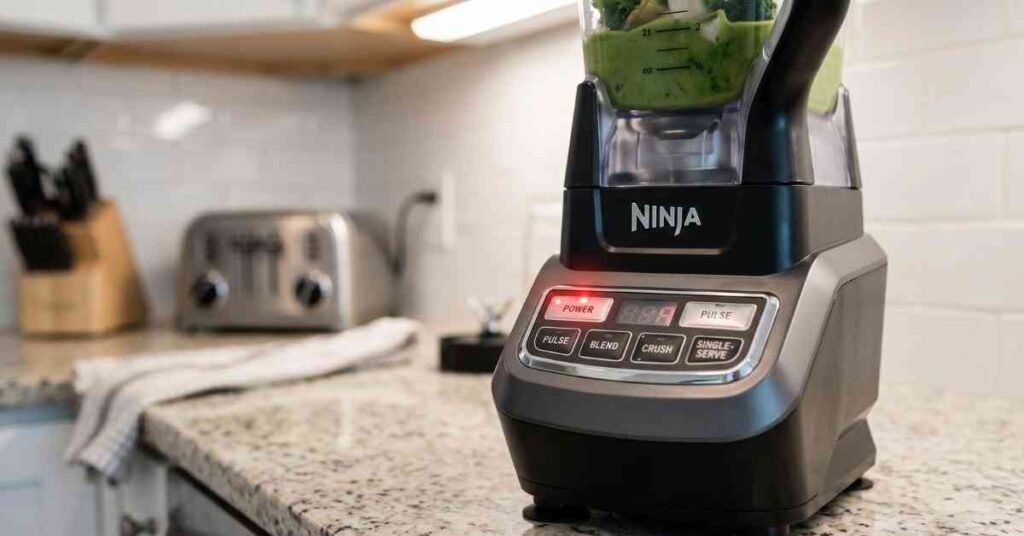
This is the part I wish I had found right away. Each color tells you something different. I’ll break it down simply so you can match what you’re seeing to what’s actually going on.
| Light color | What it means | How to fix it |
|---|---|---|
| Red | Lid or cup not locked. Most common issue. | Remove cup, reattach, align arrows, press firmly until it clicks. |
| Orange | Motor overheated from long use. | Unplug it. Let it sit for 15 minutes. Try again. |
| White | Depends on model. Usually a lid or motor issue. | Detach and reattach lid firmly. Check for any obstructions. |
| Green | Low battery (portable Ninja Blast models). | Charge the blender fully before use. |
| All lights | Motor overload or jam. | Unplug, remove food, let it rest, and restart. |
Ninja Blender Blinking Red: Step-by-Step Fix
The blinking red light is the most common issue — and it’s the one I ran into. Almost every time, it comes down to the lid or the cup not being locked into place properly. Ninja blenders won’t run unless everything is fully engaged. It’s a safety feature, not a flaw.
Here is exactly what I did to fix it, step by step.
- Turn off the blender and unplug it from the wall.
- Remove the cup or pitcher from the base completely.
- Check the arrows on the cup and the base — they need to line up perfectly.
- Press the cup down firmly until you feel or hear a click.
- If there’s a lid, remove it and reattach it. Make sure it’s locked.
- Plug the blender back in and press the power button.
That worked for me on the very first try. The arrows are the key thing most people miss. They’re small and easy to overlook. Once I lined them up and pressed down hard, the red light stopped blinking and the blender ran perfectly.
Pro tip: After washing, the rubber gasket on the lid can shift slightly. Always press the lid down one more time before blending. This prevents 90% of blinking red light issues.
Ninja Blender Blinking Orange: It’s Overheating
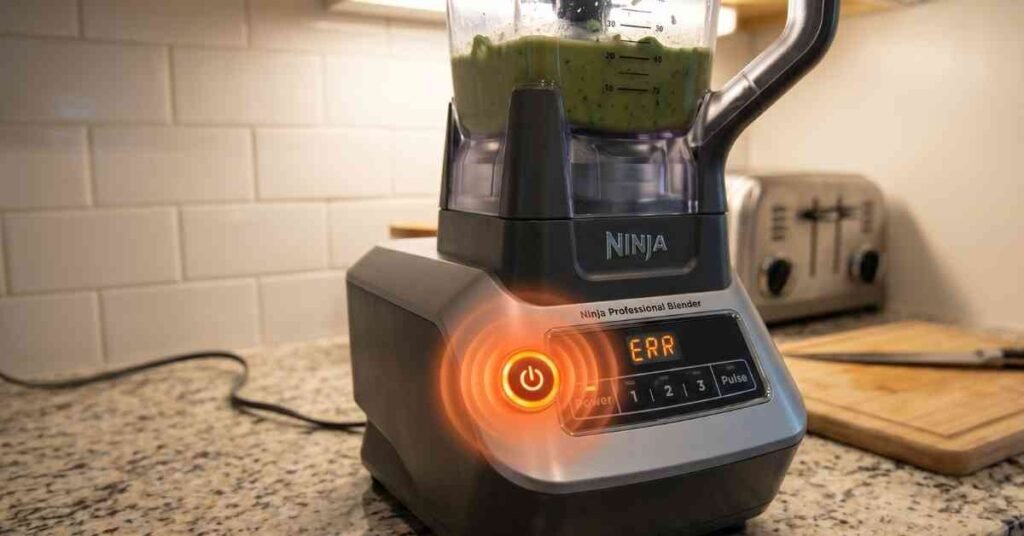
Orange means your blender got too hot. This usually happens when you run it for too long without a break, or when you blend something very thick like frozen fruit or nut butter. The motor heats up and the blender shuts itself off to avoid damage.
When I first saw the orange light, I thought something had broken. But it’s actually the blender protecting itself. The fix is simple: unplug it, walk away, and give it about 15 minutes to cool down. Then plug it back in and try again. That’s all it takes.
To avoid this in the future, don’t run the blender for more than 60 seconds at a time on thick blends. Pause, stir the contents, then blend again. This keeps the motor happy and extends the life of your blender.
Ninja Blender Blinking White Light
The blinking white light is a bit less common but I’ve seen it come up a lot in searches. What it usually means depends on your model. On most Ninja blenders, white blinking points to a lid alignment problem or a motor that’s stalling out. On the Ninja Auto IQ models, it can also mean the program cycle is in progress — which is normal.
If your white light keeps blinking and the blender won’t run, start with the basics. Remove the lid and reattach it. Make sure the cup is locked. Then try again. If the problem keeps coming back, check if there’s anything stuck under the blade assembly. Even a small piece of frozen fruit can cause a jam.
Ninja Blender Blinking Green (Portable Models)
If you have a Ninja Blast or another portable Ninja blender, a blinking green light usually means the battery is low. These cordless blenders run on a built-in rechargeable battery, and they won’t blend when the charge is below a certain level. The fix is easy — just charge it fully before you use it.
A steady green light usually means it’s charging. A blinking green light typically means the charge is too low to run. Plug it in, wait until the light goes steady or turns off, and you’re good to go.
Ninja Blender Troubleshooting by Model
One thing I learned is that the blinking light behavior can vary by model. I’ve put together a simple table below to help you match your specific blender to the fix. If your exact model isn’t listed, use the closest watt rating as a guide.
| Model | Blink color | Most likely cause & fix |
|---|---|---|
| Ninja 1000W / 1000W Pro | Red | Lid misaligned. Realign arrows and press firmly. |
| Ninja 1100W Pro | Red | Same as above. Also check the single-serve cup attachment. |
| Ninja 1500W Professional | Red | Lid or pitcher not locked. Check both the pitcher and the lid. |
| Ninja Auto IQ | Red / White | Safety interlock not engaged. Press lid firmly. White = cycle in progress (normal). |
| Ninja Auto IQ (BL480) | White | White blinking after cycle ends = normal. Continuous = lid issue. |
| Ninja Blast (portable) | Green | Low battery. Charge fully before use. |
| Ninja Duo | Red | Check both the pitcher and the single-serve cup — both must be locked. |
| Nutri Ninja Auto IQ | Red | Cup not seated properly. Remove and reattach with firm downward pressure. |
When Nothing Works: What to Do Next
If you’ve tried all the steps above and your Ninja blender is still blinking, it may be a deeper issue. In rare cases, the motor can fail, especially on older units or models used very heavily. At this point, it’s worth checking if your blender is still under warranty.
Ninja blenders typically come with a one-year warranty. If your blender is newer than that and nothing fixes the blinking, contact Ninja customer support directly. They’re genuinely helpful, and in my experience, they’ll often replace the unit if the issue is a known defect. You can reach them at ninjakitchen.com or call the number on the back of your unit’s box.
Before you contact support, write down your model number. It's usually on a sticker on the bottom of the base. Having it ready saves a lot of back-and-forth with the support team.
Quick Summary: The Most Common Fixes
If you just want the fast version, here it is. These three steps fix around 80% of all Ninja blender blinking issues I’ve come across.
| Step | Action | Why it works |
|---|---|---|
| 1 | Realign and lock the lid | The safety interlock won’t let the motor run unless the lid is fully locked. |
| 2 | Remove and reattach the cup | The arrows must line up exactly. Even a small gap stops the blender. |
| 3 | Unplug and wait 15 minutes | Clears overheating and motor overload. Works for orange and all-lights blinking. |
My Final Thoughts
I know how frustrating it is when your Ninja blender starts blinking and just won’t run. I felt that same mix of confusion and mild panic. But now that I know what each light means, it doesn’t stress me out anymore. It’s actually a smart feature — the blender is telling you something so you can fix it fast.
The red blinking light almost always comes down to the lid or cup not being locked. The orange light means the motor needs a rest. The green light on portable models just means charge it up. Once you know the code, it’s easy. I hope this guide saves you the 45 minutes of searching I had to do that morning.
If this helped you, feel free to bookmark it for next time. And if your blinking light issue is something I haven’t covered, drop it in the comments — I’ll do my best to help.
N.B: Troubleshooting tips are based on common Ninja blender models sold in the US market as of 2026.